
Concerns about mobile security have flared up once again in recent days amid reports of the DarkSword exploit. While iPhones have long enjoyed a reputation for being more secure than their Android counterparts—a perception largely grounded in fact—the landscape is rapidly shifting. Today, as artificial intelligence continues to evolve and cyber threats grow in sophistication and scale, iPhone users find themselves less insulated from risk than ever before.
DarkSword: A New Threat Targeting iPhones
The newly discovered vulnerability targeting iPhones and iPads running iOS 18 or older is just the latest example in a string of security concerns. Attackers are in a constant race to uncover weaknesses in operating systems, often staying one step ahead of everyday users who remain unaware of these gaps. Apple, for its part, actively scans the internet for newly exposed vulnerabilities, offers incentives to ethical hackers through bug bounty programs, and issues security patches via its own cybersecurity team whenever issues surface.
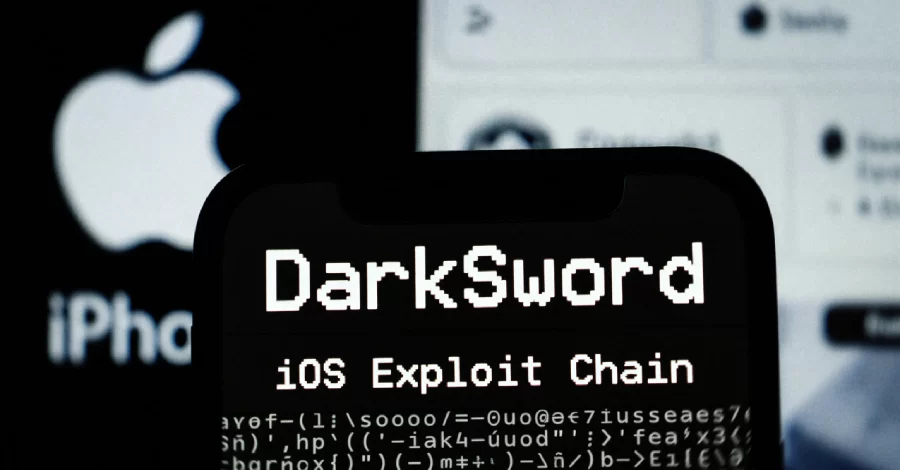
But the most troubling aspect of these high-level vulnerabilities is how attackers can quietly exploit them for extended periods. By the time a vulnerability is put up for sale on a hacker forum or made available for free, malicious actors may have already wrung it dry. In other words, if you’re only learning now about a security hole, it’s likely attackers could have targeted you for weeks beforehand.

 ETH
ETH SOL
SOL BSC
BSC ROBINHOOD
 USDT
USDT AAPL
AAPLLast week, cybersecurity researchers revealed details of a significant exploit against iPhones using a tool called DarkSword. Teams from iVerify and Google warned that this exploit requires no elite skills to deploy. In fact, with minimal technical ability, virtually anyone can leverage this vulnerability to target unsuspecting users—a factor that dramatically widens the scope and scale of possible attacks.
A would-be hacker can set up and use this exploit in a matter of minutes. Once a device is compromised, DarkSword grants unfettered access to contacts, messages, call histories, and, crucially, the iOS keychain—a vault that stores Wi-Fi passwords, saved credentials, and other sensitive data.
Staying Secure in a Changing Threat Landscape
DarkSword targets devices operating on iOS 18 and earlier—systems that are now considered outdated, especially with iOS 26 already available. This serves as a reminder to always stay current; installing the latest version of your device’s operating system is the most basic and vital security step. Outdated systems no longer receive security patches and grow increasingly vulnerable to emerging threats. DarkSword employs an advanced method that could be triggered just by visiting a website, making detection extremely difficult. Keeping your system updated is, therefore, the most powerful defense you can implement.
If you believe your device may have been compromised, your first action should be enabling Lockdown Mode under Settings > Privacy & Security > Lockdown Mode. This feature restricts certain device functions, providing an additional layer of protection. Particularly for devices used as digital wallets, leaving Lockdown Mode activated can offer continued security from unauthorized access.
Multi-factor authentication (MFA) is another crucial safeguard, even if your device has been breached. Hardware keys such as YubiKeys or app-based authenticators present significant hurdles for attackers. To get past such security, hackers would need to find an entirely new “zero-day” vulnerability, a challenge that often proves formidable even for highly skilled adversaries.
Those still running legacy iOS versions should immediately change all passwords stored in their keychain, especially for critical applications like crypto exchanges, email, and banking. A reputable password manager allows you to create unique, complex passwords for each platform. Using a handful of repeated, memorized passwords across multiple sites puts you at risk—once a single account is compromised, others may quickly fall as well. The goal of security measures is to make it harder for attackers, and password discipline is a major part of that defense.
With DarkSword, infection can happen simply by visiting a malicious website. It’s critical not to click on unfamiliar links—whether shared via SMS, instant messaging, email, or suspicious online ads. Treat any unexpected links with skepticism and scrutiny to avoid inadvertently opening the door to attackers.
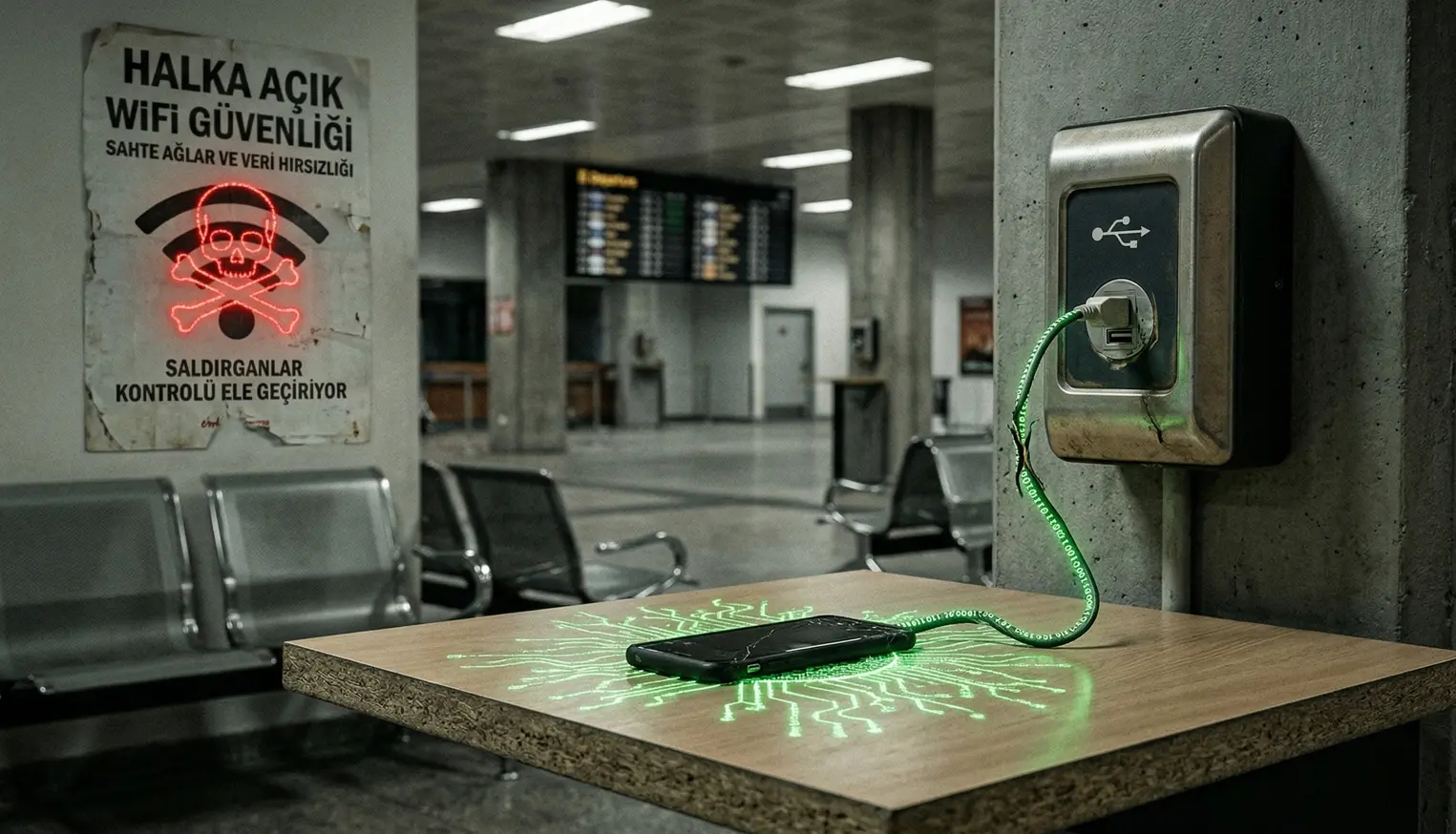
Additional precautions include using up-to-date antivirus software, enabling automatic operating system updates, and, for digital wallets, considering cold storage or a dedicated device for sensitive transactions. It’s also wise to avoid connecting to public Wi-Fi networks or using unfamiliar charging accessories. Previous cases have shown how chargers can be weaponized to deliver malware, while public internet networks are popular targets for attackers aiming to intercept data or lure you onto networks they control.